 UpScale.build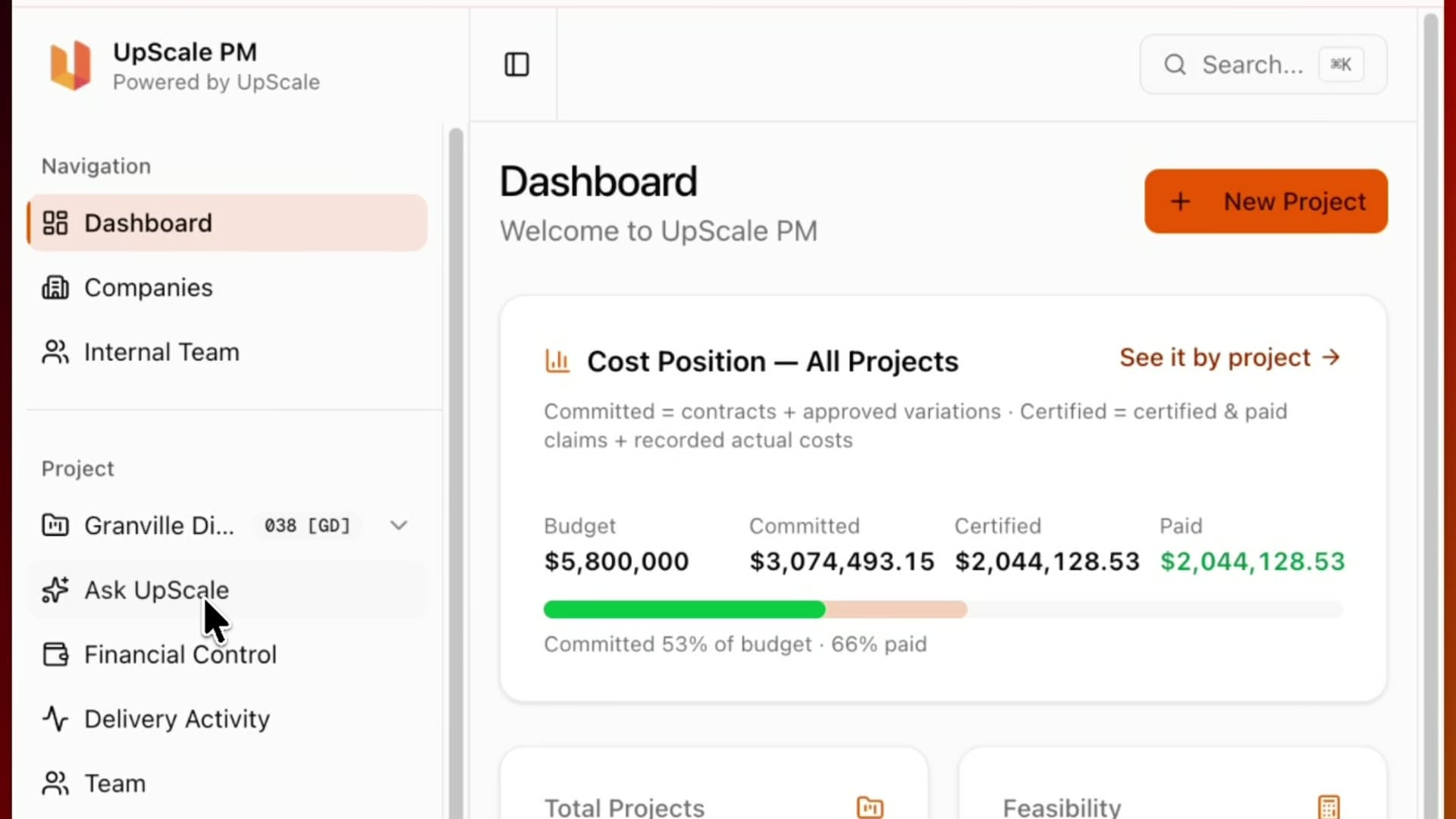
Inside UpScale.build: Every Module on a Live Project
Property developers and commercial clients do not want another dashboard. I have sat on their side of the table for fifteen-odd years, first as an architect and then as a client-side project manager, and the questions never change. Is the project tracking? Where is the money going? Which claims and variations are live and need approving? What decisions are waiting on me? What risks are coming?
That is project control, not a dashboard. So when we built UpScale.build we built it as the operating system for delivering a project, and then we ran our own delivery on it. UpScale PM, the client-side project management practice, delivers the service. UpScale.build is the software it runs on. Everything below is the live project we are delivering for Granville Diggers Club, a club redevelopment in Sydney's west, with Stage One under construction.
TL;DR: UpScale.build keeps a whole development in one record: the site diary, programmes, tasks, documents in your own cloud, reports, meetings, contracts and claims, extensions of time, the tender portal, RFIs and defects. This is what each module looks like on a real project, screenshots included.
The record of the build
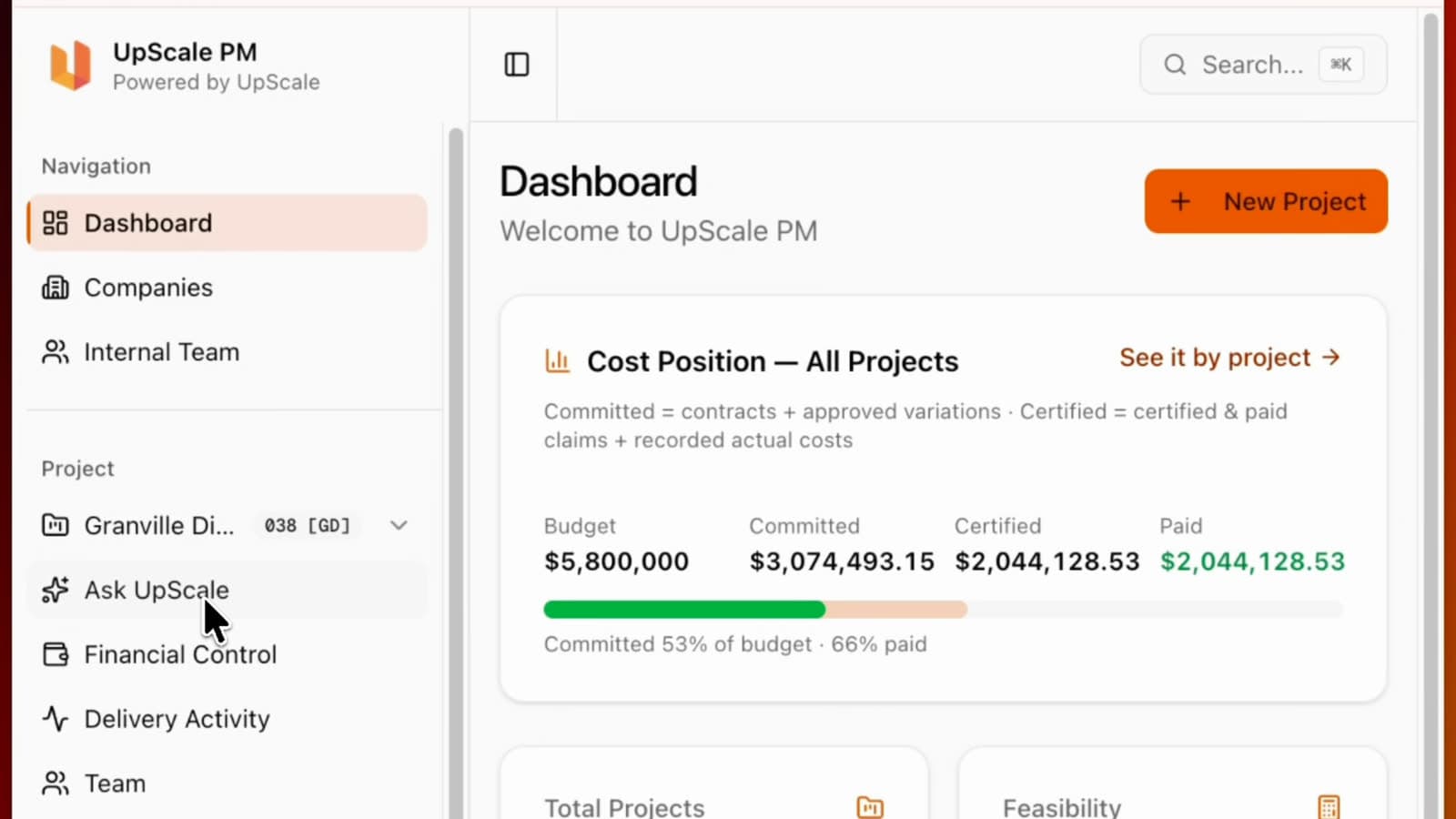
The site diary is where a site visit becomes a record. You go to site, take the photos, log the entry, and the progress is there when you look back six months later and someone asks what the slab looked like in March.
The programmes module tracks all the programmes that matter on a job, from your own master programme to the contractor's construction programme and the consultants' programmes, so the drift between them is visible before it becomes a claim.
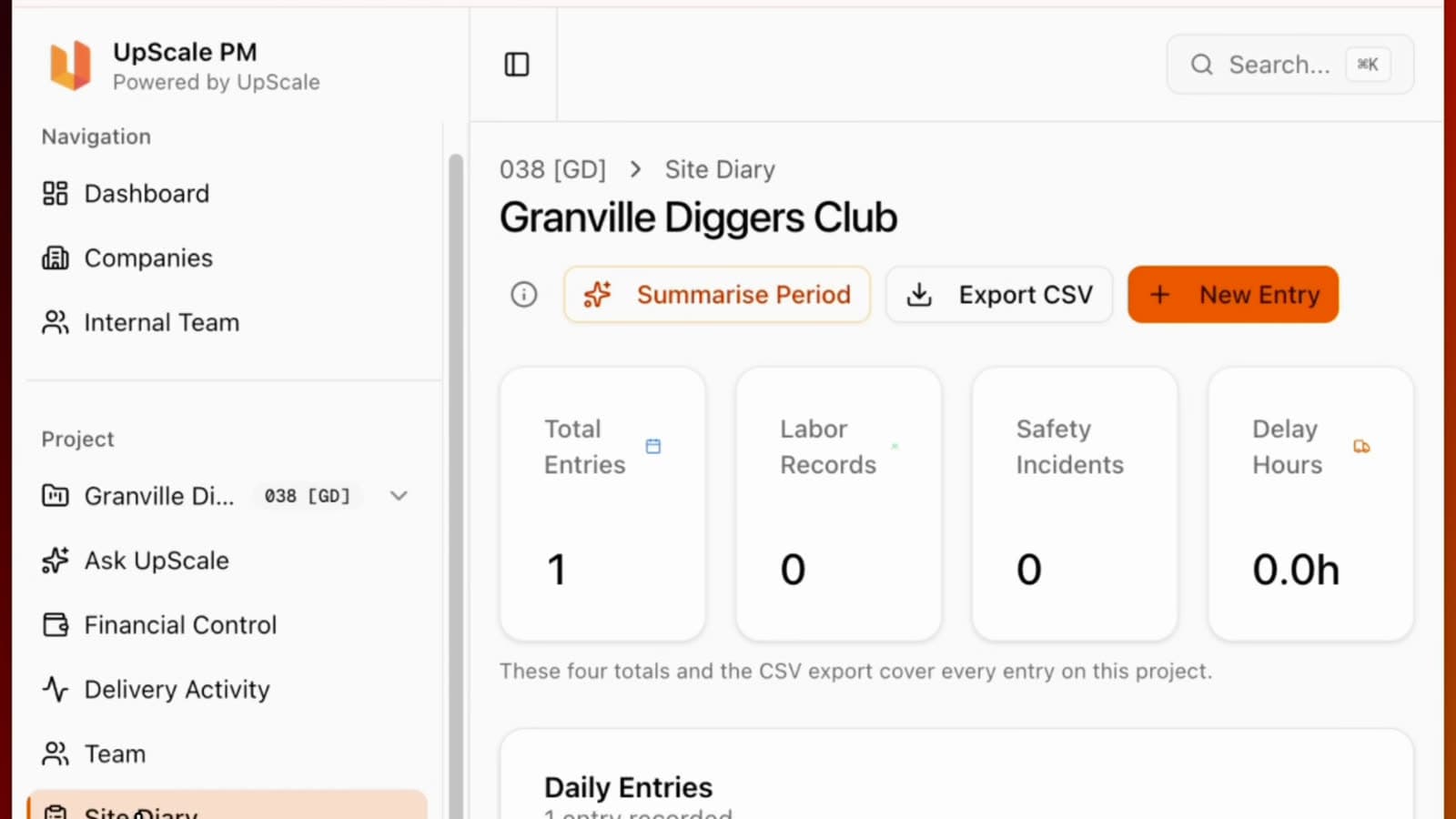
Tasks are the small promises. They can be internal, or assigned to a consultant to complete, and they are extracted from meeting minutes automatically when you upload the PDF.
Your documents, in your own cloud
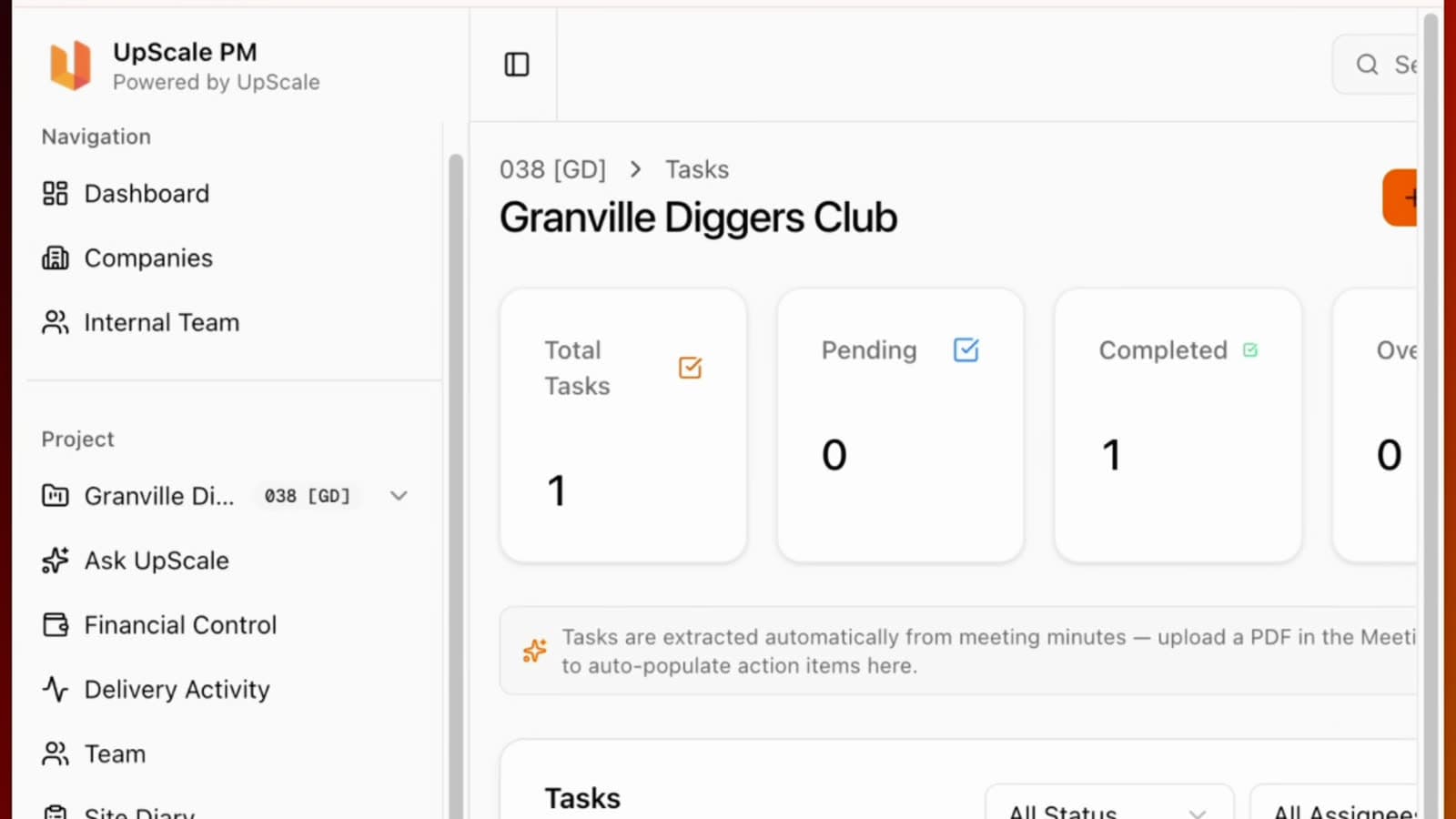
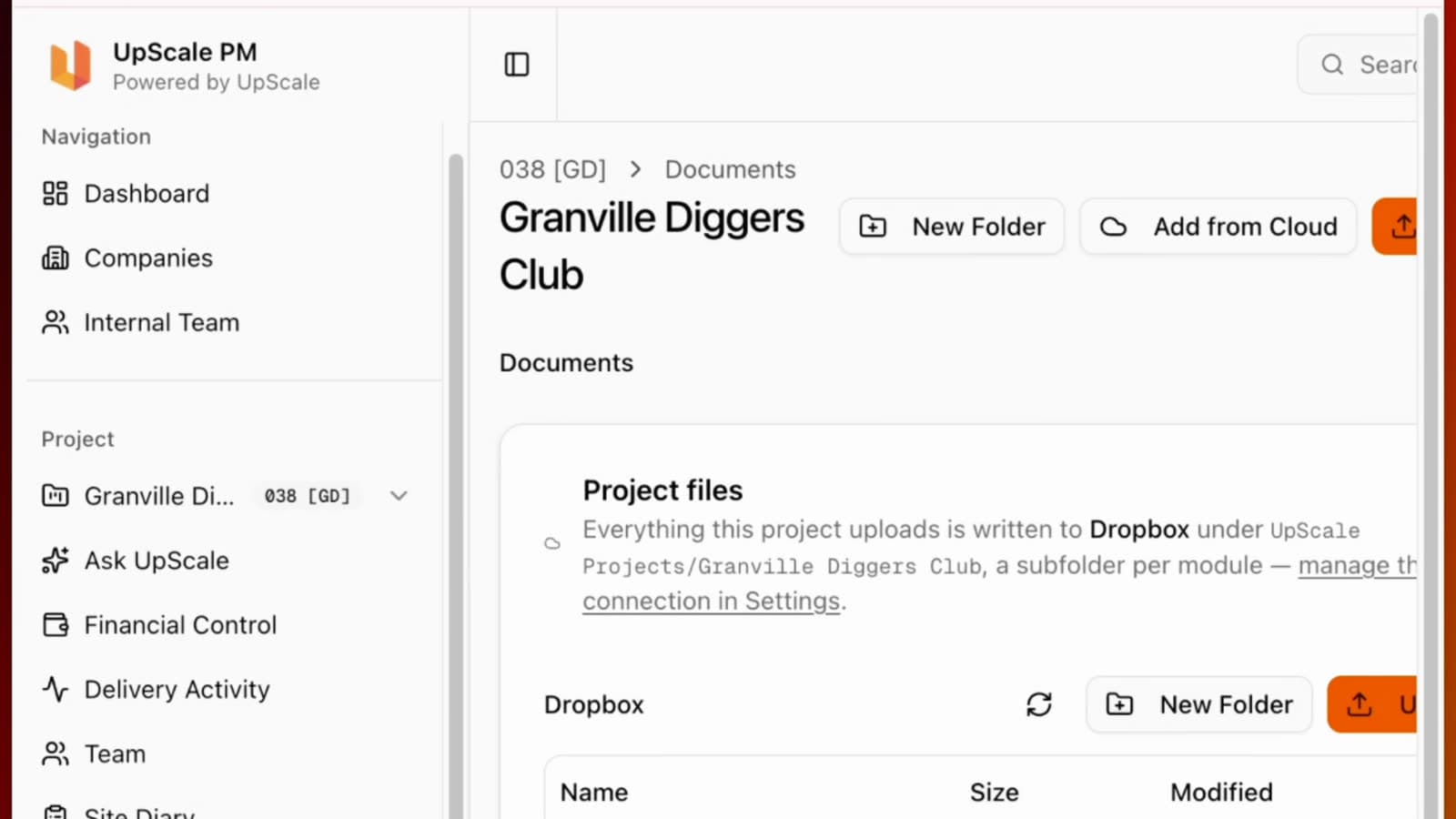
Document management in UpScale.build does not take your files. You log into your own preferred cloud, Dropbox or Google Drive, and everything the project uploads is written there, under your own folder structure. The files remain yours, in your cloud. UpScale.build is the window your team and consultants look through, with the permissions you set.
Reports and meetings
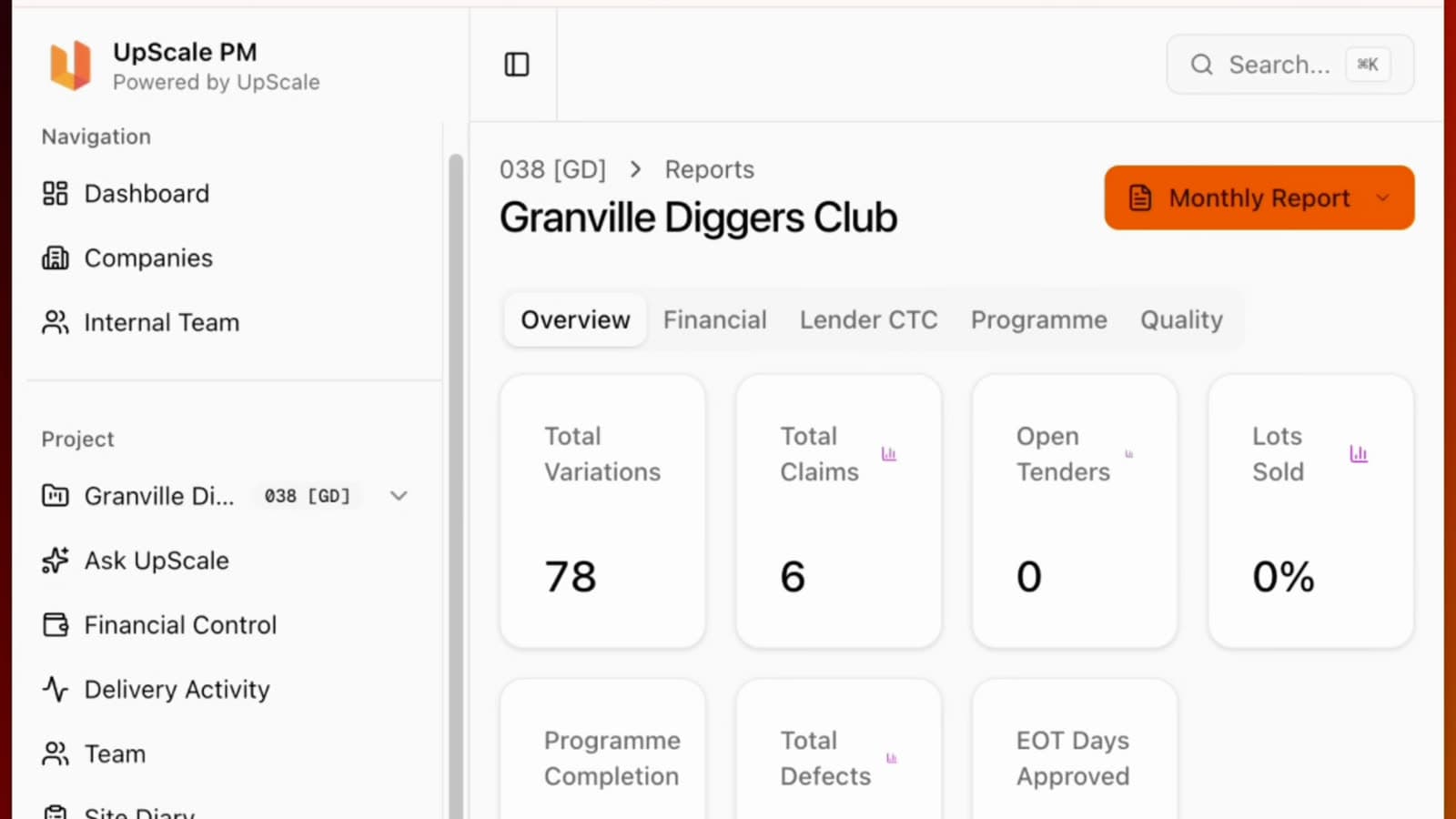
The reports module is the one client-side PMs will recognise. Everything already in the dashboard, from variations and claims to open tenders, defects and days of extension approved, is used to create the client report, so the monthly report is assembled from the record rather than rewritten from memory.
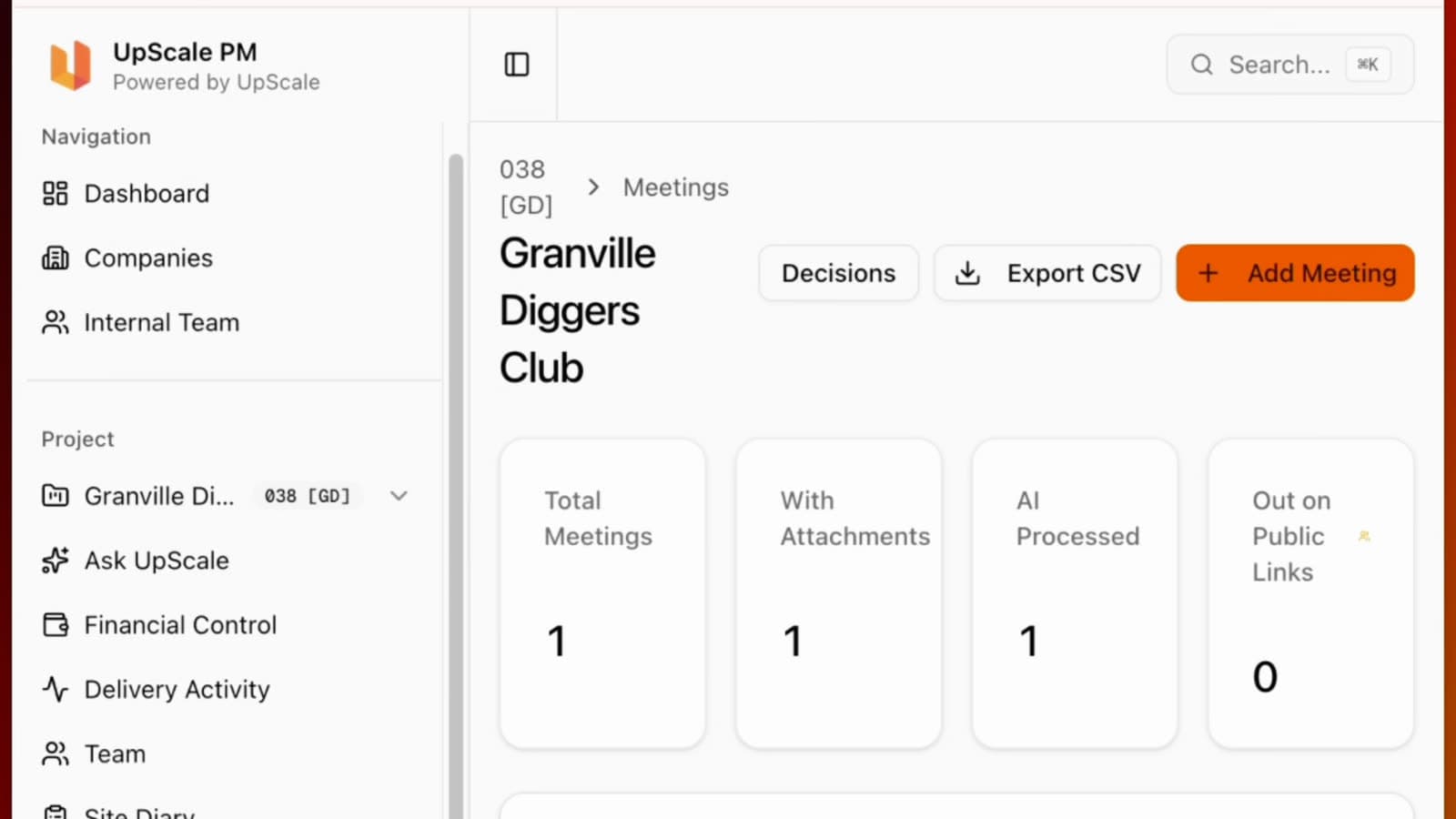
The meetings tab keeps the list of meetings, imports the minutes, and turns them into actions you can track.
Where the money goes
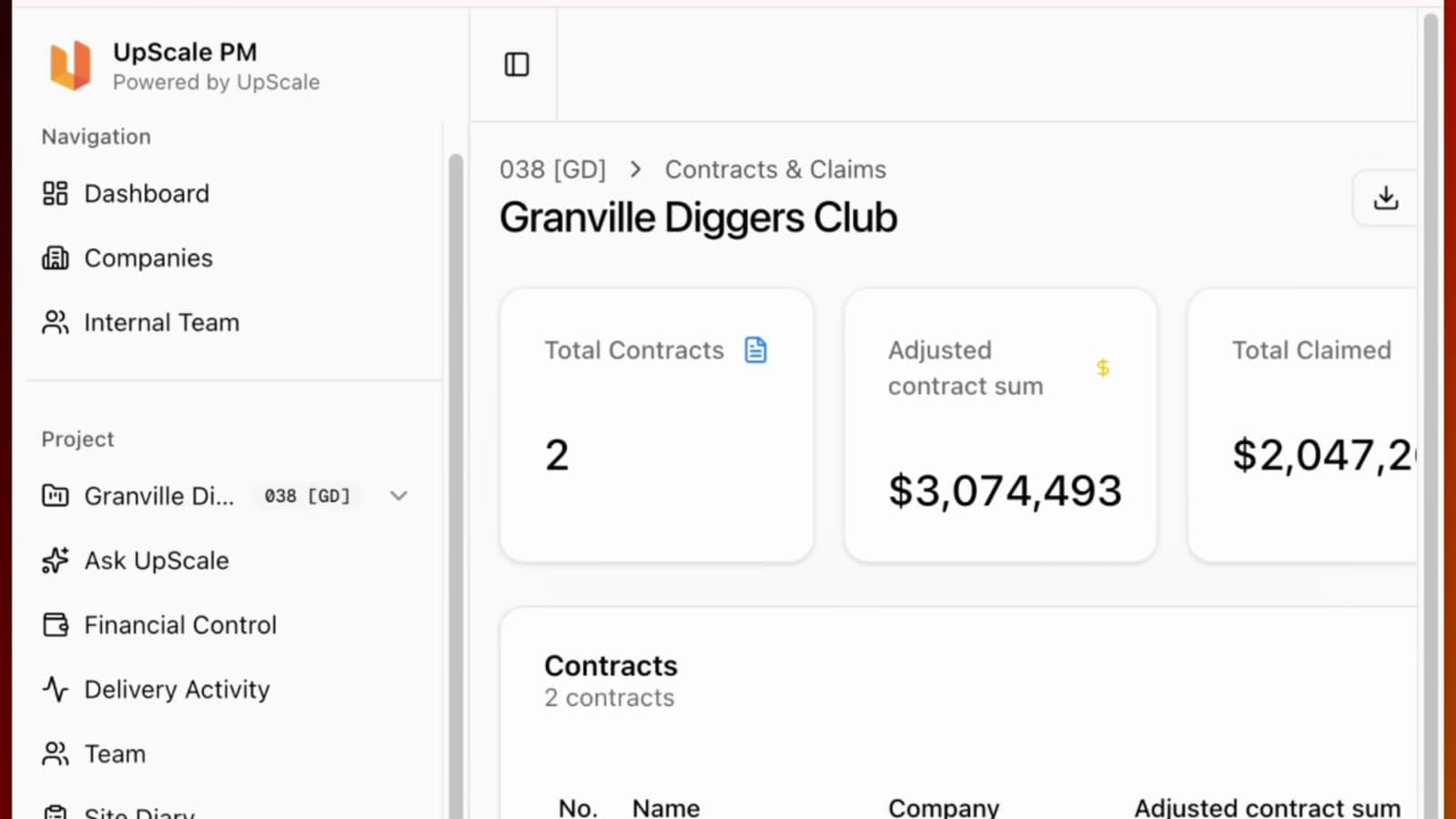
Contracts and claims is where progress claims from the head contractor and the consultant team are managed as they come through. Variations are managed against the contract, progress claim certificates are created from the claim, and the whole project expenditure is tracked in the same place. Extensions of time sit beside it, so a delay claim from the contractor is a submission on the record with a date on it, not a surprise at the next meeting.
If progress claims are new territory, the progress claims guide covers how to read and assess one, and the variations guide covers the other half of the money conversation.
Tenders, RFIs and defects
The tender portal works like a data room. You upload the tender package, issue it to the tenderers you select, and they log in to obtain addendums and modifications and to submit their tender securely for review.
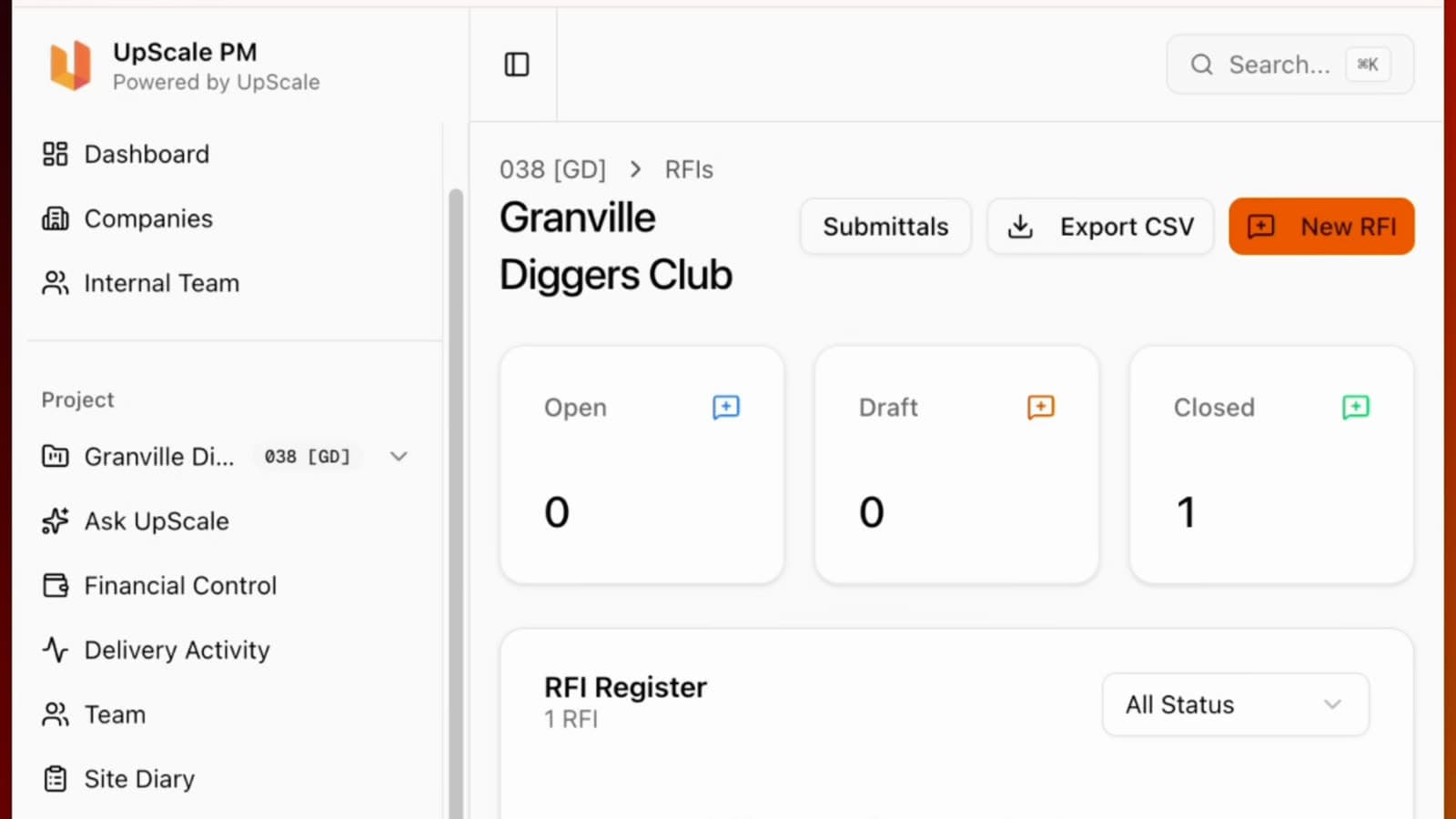
The RFI module lets the team start collaborating earlier than most construction tools allow, while the consultants are still developing the design, not once the contractor is on site.
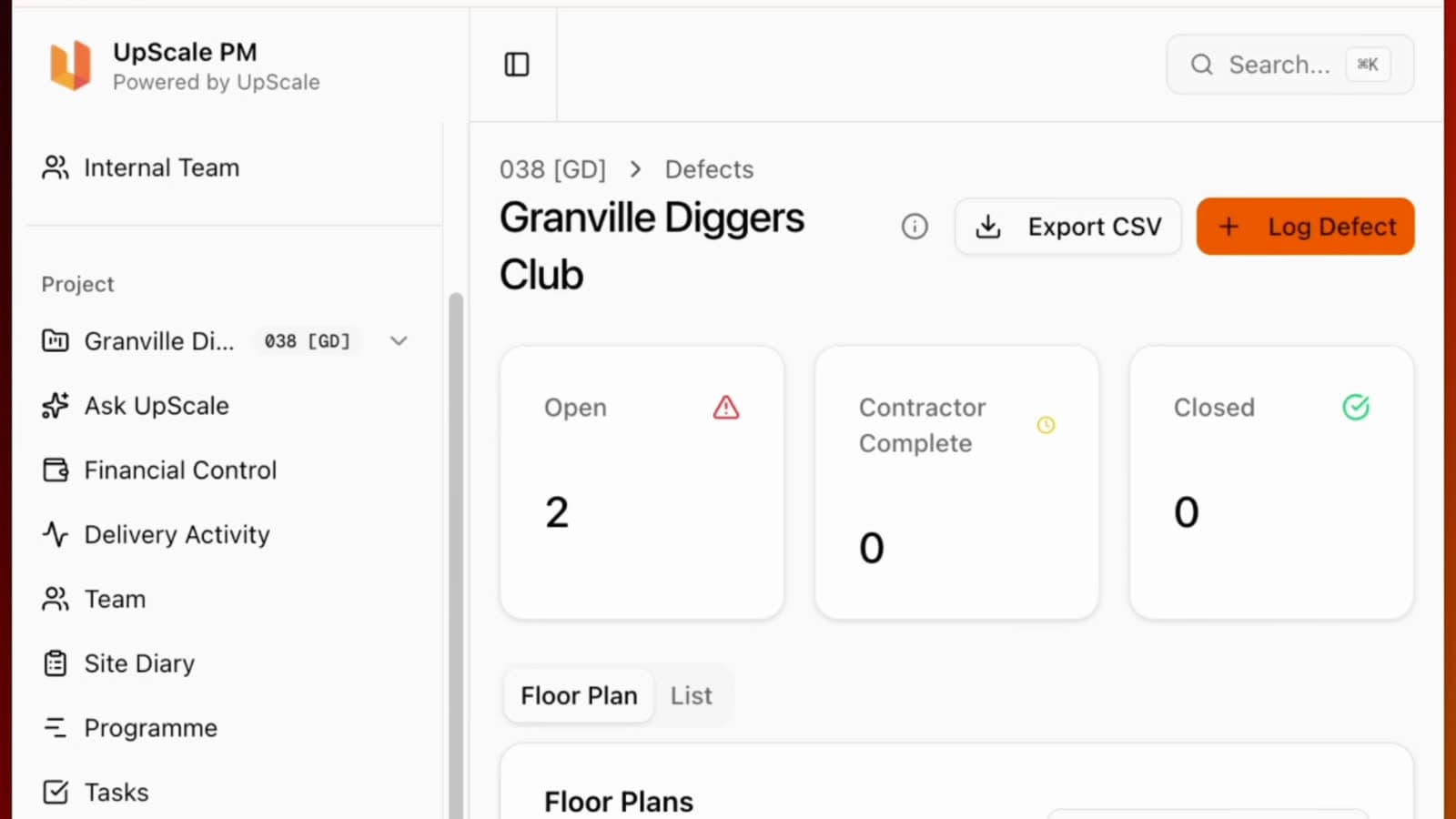
Defect tracking pins defects on the plan, throughout the build and after completion, with the photo and the location, so the contractor reviews exactly what was identified and where.
Feasibility, a first look
There are other modules I have not gone into here, and one that deserves its own article: feasibility. It is a whole system for understanding a site, working out the residual land value, and making an offer knowing the numbers hold, so that when you develop and sell there is a margin at the end. The feasibility study guide covers the method; the module article is next.
What this is, and what it is not
Service as a software is not about selling you another AI. It is about building a better system so the client gets the outcome they wanted all along, and about running that system ourselves before asking anyone else to.
It is early days. Early adopters are testing it now, and there is nothing to show you but the product. If you want the service, UpScale PM delivers it. If you want the system, for your own developments or your own client-side PM practice, UpScale.build is there.
Pricing: Feasibility $0 (3 projects). Developer $149/month, one active project included, then $49/month each. Portfolio $299/month, five active projects. Everyone on a project is invited free.
Register at upscale.build and start with a feasibility.
Free feasibility. Three projects, no card, no demo call.
Ready to ditch the spreadsheets?
UpScale.build manages feasibility, claims, variations, tenders, and site diaries in one platform. Built for Australian property developers.
Start Free — No Card Required