 UpScale.build
Six Months From Now, What Will Your Site Diary Prove?
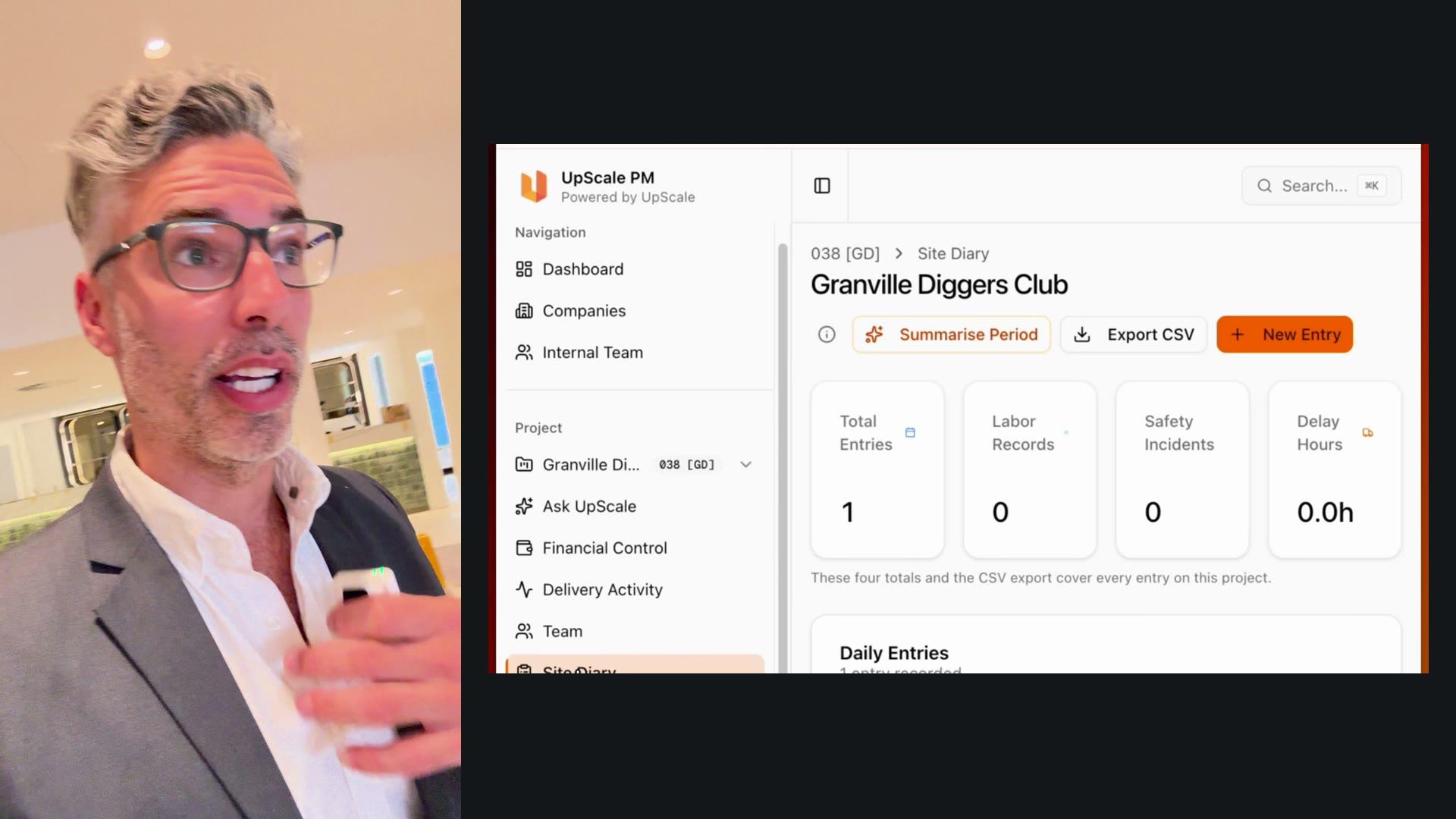
I trained as an architect, documenting and detailing buildings alongside head contractors, before moving to the client side as a project manager. In more than 15 years of delivering projects, one habit has earned its keep more often than any other: a site diary, written on the day.
When I built UpScale.build, I wanted to manage projects without managing them through my emails and Dropbox. The site diary was one of the first things I wanted in it, and it's still the part I use most.

What a site diary gives you
A site diary is a short record of what happened on site that day. It isn't a progress report, and it isn't a photo dump. It's the record you go back to when people's memories of the job start to differ.
Kept properly, it gives you three things:
- One account of the job. When questions come up, everyone works from the same record instead of their own recollection.
- Early warning. Writing an entry makes you compare what's happening on site with what should be happening. A gap you notice on the day can be raised while it's still small.
- Evidence when you need it. Most entries are never read again. The few that are can matter more than any other document on the project.
Know what should be happening on site
A diary is only as useful as the person writing it. A good client-side project manager has a close understanding of:
- what the contractor is up to
- where they're at in the programme
- how many subcontractors should already be on site
- the scope of works that should be being built that day
That way, if there's a lack of activity on site, it's something you can record and raise straight away. Any programme adjustments can then be managed early, rather than argued about later.
Why it matters over the life of a job
Construction projects run for a reasonable length of time. Twelve to 24 months is typical. Granville Diggers Club, where I'm the client-side project manager, started in November 2025 and is due for completion in November 2026. Over a job that long, memory isn't a record.
Not every question about the past comes up straight away. Some claims arrive well after the fact, and disputes can run the other way too, such as when you're claiming liquidated damages on your client's behalf. When that happens, you want to look back and say, with confidence: there was good weather that day, so why was nothing happening?
That's the point of the diary. It's evidence written before anyone knew they'd need it.
What a useful entry records
Keep it short, but cover the same things every time:
- The date and the weather. Include temperatures. "Rain" isn't the same as "rain from 2 pm".
- What was done. Which trades were on site, what they finished, and how that compares with where the programme says they should be.
- Safety notes and incidents. Even "none" is worth writing.
- What stopped work, for how long, and why. If nothing did, say so.
- One entry per day. If you need to correct it, edit that day's entry rather than adding another version.
Write it the same day. An entry reconstructed at the end of the month is a summary, not a diary.
How we keep it in UpScale.build
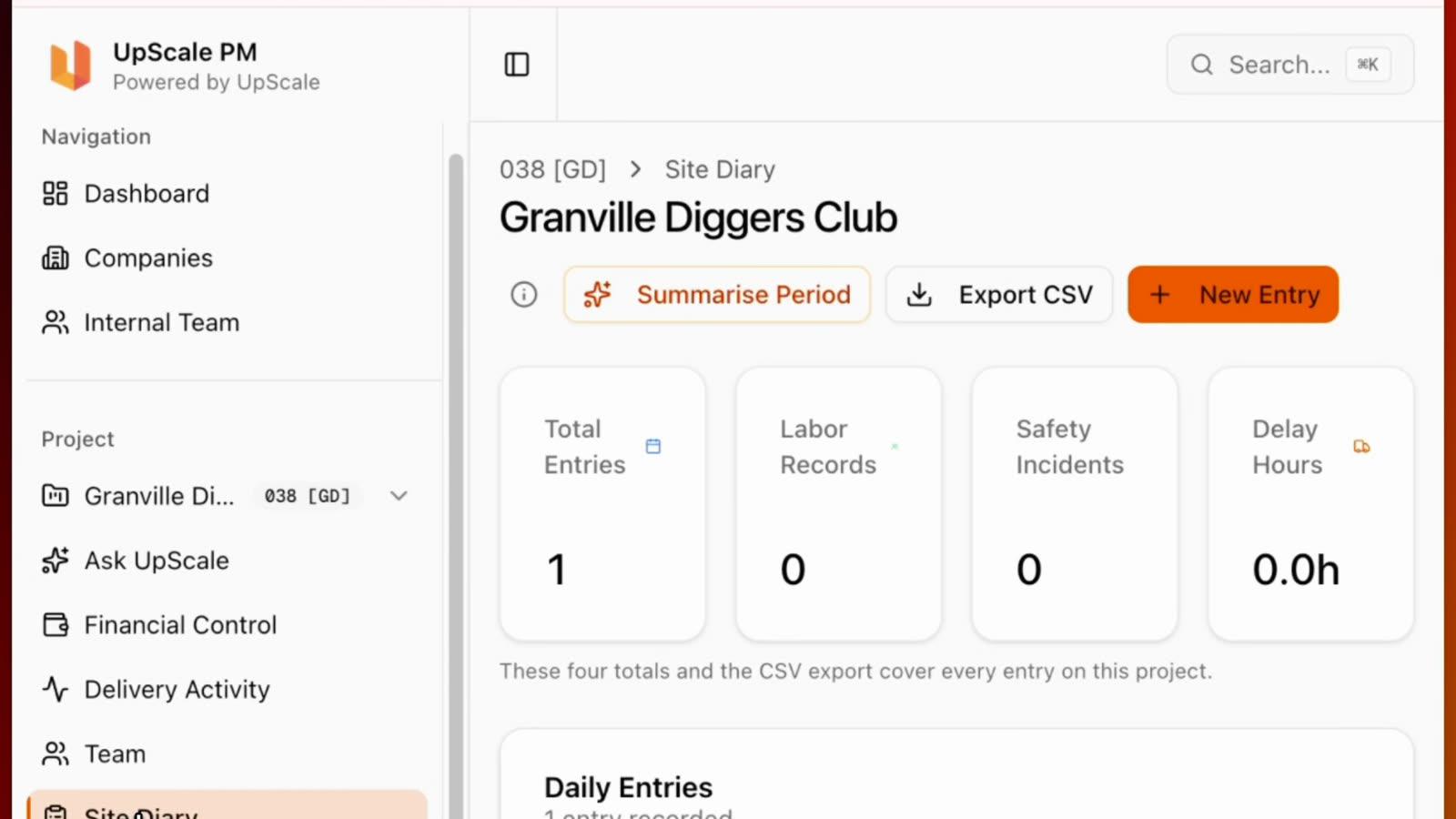
The site diary in UpScale.build is built around those fields. Each entry carries the weather and temperatures, the work summary, safety notes and incidents, and any delay hours with their reason. A project can hold only one entry per date, so a correction is an edit to that day, not a second version.
A few things make it easier to keep up:
- Draft with AI writes a first draft of the day's work summary from the programme tasks running that day and the previous entry. Use it on an empty form, as it replaces the work summary rather than tidying what you've already typed.
- Summarise Period turns a date range into a written progress summary. Export CSV gives you the same rows in a spreadsheet.
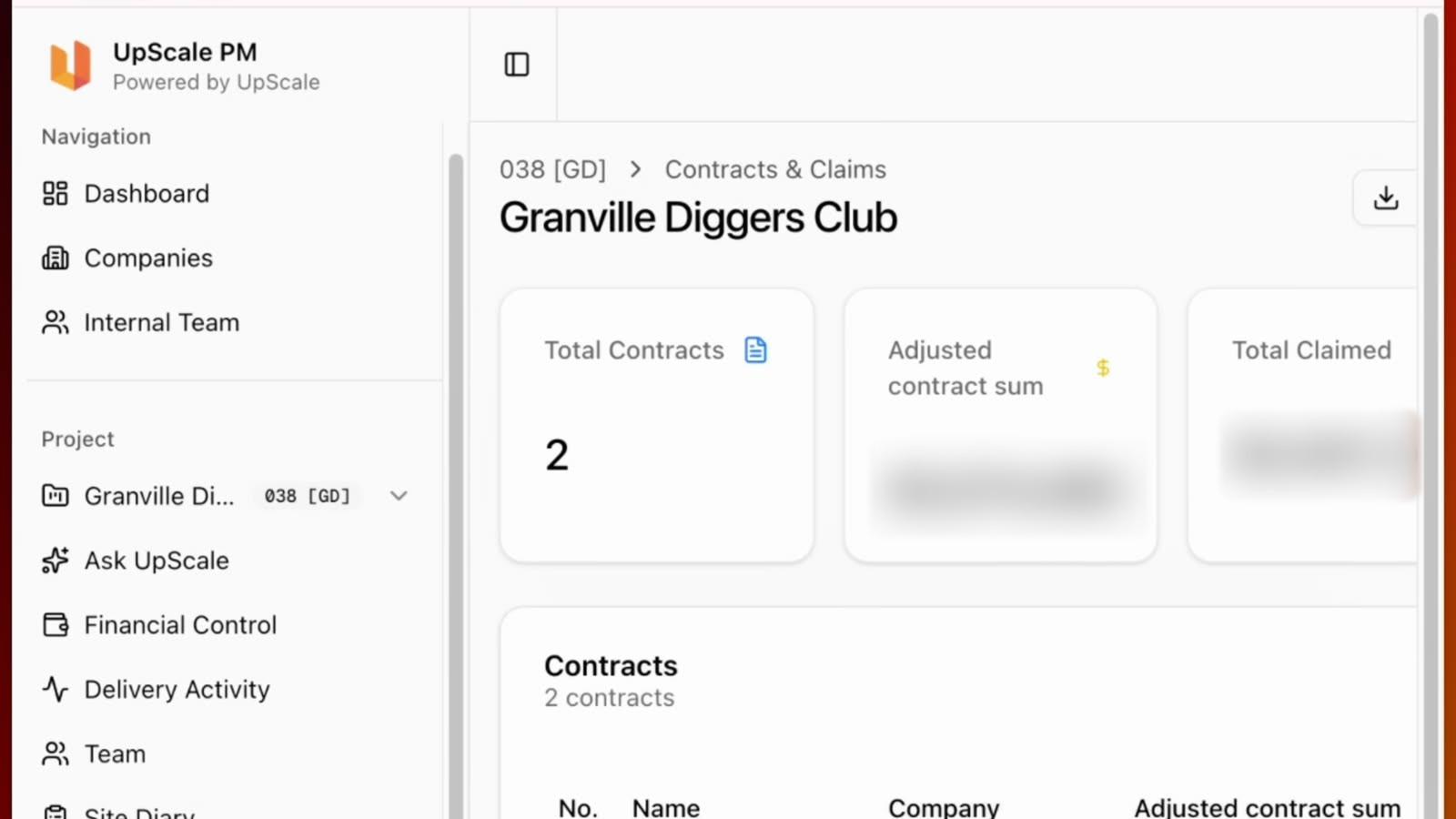
- The diary sits in the same project as the contracts and claims and the extension-of-time register, so when a claim comes in, the record is one click away.
The diary doesn't assess anything for you, and it isn't automatically linked to the extension-of-time register. The judgement is still yours. The diary just means you're judging against a record, not a recollection.
Start with your next site visit
Next time you're on site, write the entry before you leave: the weather, who was there, what got done, and anything that held work up. Do it again on the next visit. After a month, you'll have a record of the job you can rely on.
The site diary is live in UpScale.build now, along with the rest of the professional delivery features. The Developer plan is free for one active project while the current promotion runs, then $149 AUD a month unless you cancel before then. Start your free trial, or see current plans and pricing.
Ready to ditch the spreadsheets?
UpScale.build manages feasibility, claims, variations, tenders, and site diaries in one platform. Built for Australian property developers.
Start Free — No Card Required